
ERP and SAP Integration: API, Mapping and Webhooks
Reads, bulk updates and ERP numbers on the same record
An administrator creates an integration account and a scoped API key inside the app. Keys are managed with an IP allowlist, expiry and revoke, and the integration account respects project and company scope the same way a user does. Incremental read and change feeds advance without skipping records. Bulk create and update covers projects, locations, cost centers, machines, parts, meter readings, faults, work orders and work order confirmations. External system numbers map to your records; when a match is ambiguous or conflicts, the row goes to quarantine instead of being overwritten silently. Webhook delivery is signed and retries on failure. SAP S/4HANA is supported through a connector delivered in the implementation project. Every operations module still runs if you never connect ERP.
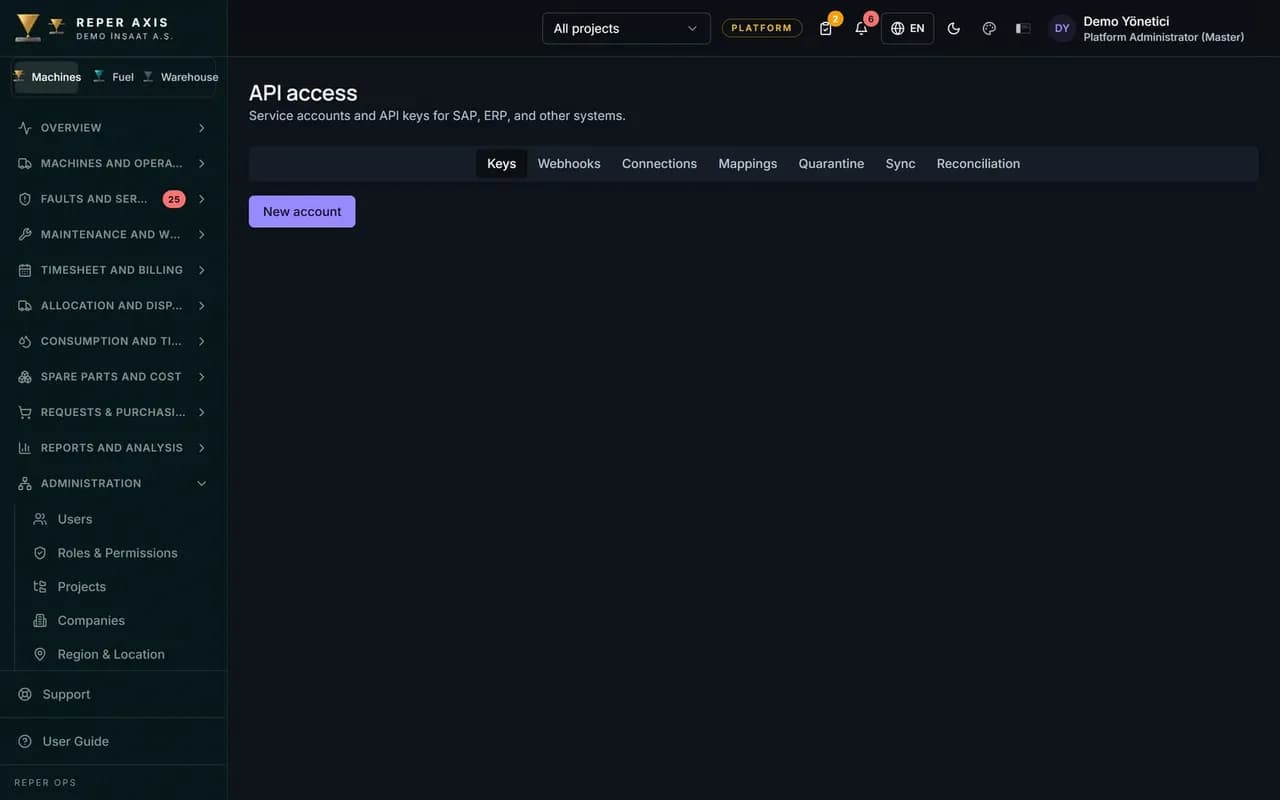
Documented REST API
The REST API is described in OpenAPI. List reads and single-record queries respect the integration account scope.
API key management
Only authorised administrators create keys. Scope, IP allowlist, expiry and revoke are handled on one screen.
Organisation and PermissionsIncremental synchronisation
The change feed moves forward without gaps; new and updated records are fetched in order.
Bulk write
Projects, locations, cost centers, machines, parts, meters, faults, work orders and confirmations are created or updated in bulk, with a separate result for each row.
Work OrdersExternal reference and quarantine
SAP equipment, order or notification numbers map to records. Conflicts and ambiguous matches wait in quarantine for review.
Webhooks and the SAP connector
Signed webhook delivery includes retry on failure. SAP S/4HANA setup pulls equipment, organisation and material data and pushes measurement documents within the project scope.
How it works
- 1
Account and key
Create the integration account and API key, then define scope and the IP allowlist.
- 2
Mapping and flows
Connect external references, test read and bulk write, and review quarantine rows.
- 3
Live sync
Turn on incremental read and webhooks; the SAP connector follows your implementation plan.
API and security
The REST API is defined in OpenAPI. The integration account is bounded by project and company scope; the API key is stored as a secure hash and shown only once at creation. IP allowlist and expiry are enforced on every call.
Read and write
The incremental change list is read page by page. Bulk upsert finds or creates records using connection and matching rules; success, unchanged, failed and pending-review rows are reported separately.
Meter and fault data stay aligned with meter tracking and fault management.
SAP S/4HANA
Within the implementation project, equipment, organisation and material data are pulled and measurement document push is configured. A fixed egress IP is provided for your firewall rules.
Who it is for
IT teams who need two-way data with SAP or a similar ERP, and integration owners who want field work orders and faults in the central system without retyping.
FAQ
Can Reper Axis be used without integration
Yes. All operation modules run without an ERP connection. The API and integration layer is for customers who want two-way data exchange with an external system.
What happens on ambiguous match
The row is placed in quarantine and waits for manual review. Nothing is overwritten automatically.