
QR in the Field
QR Code Equipment Tracking: Faults, Checks and Fuel Records from the Field
The QR code on the machine is the fastest interface in the field
Reper Axis generates a unique QR code for every machine. The label is attached to the machine and the operator scans it with a phone. No app to install; the action screen opens with the correct machine already selected.
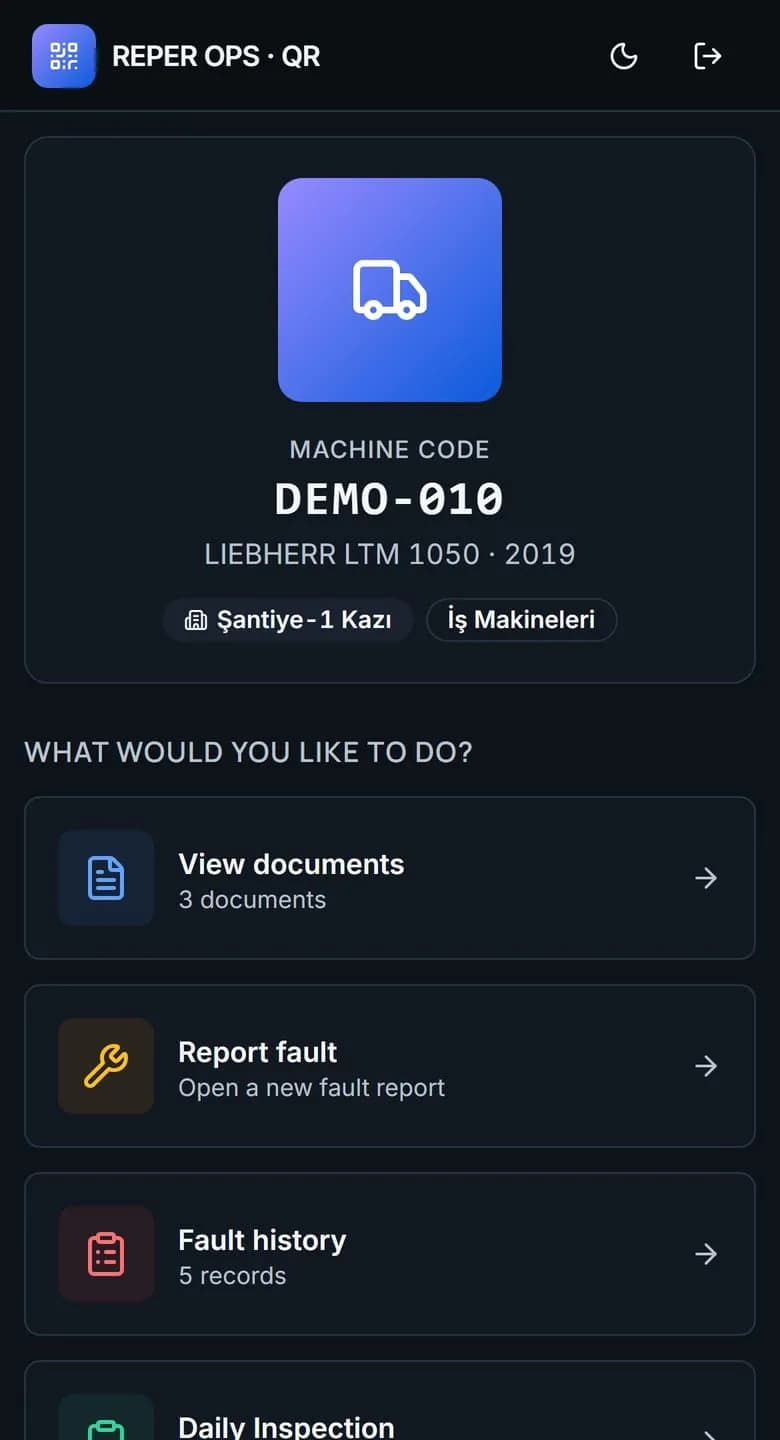
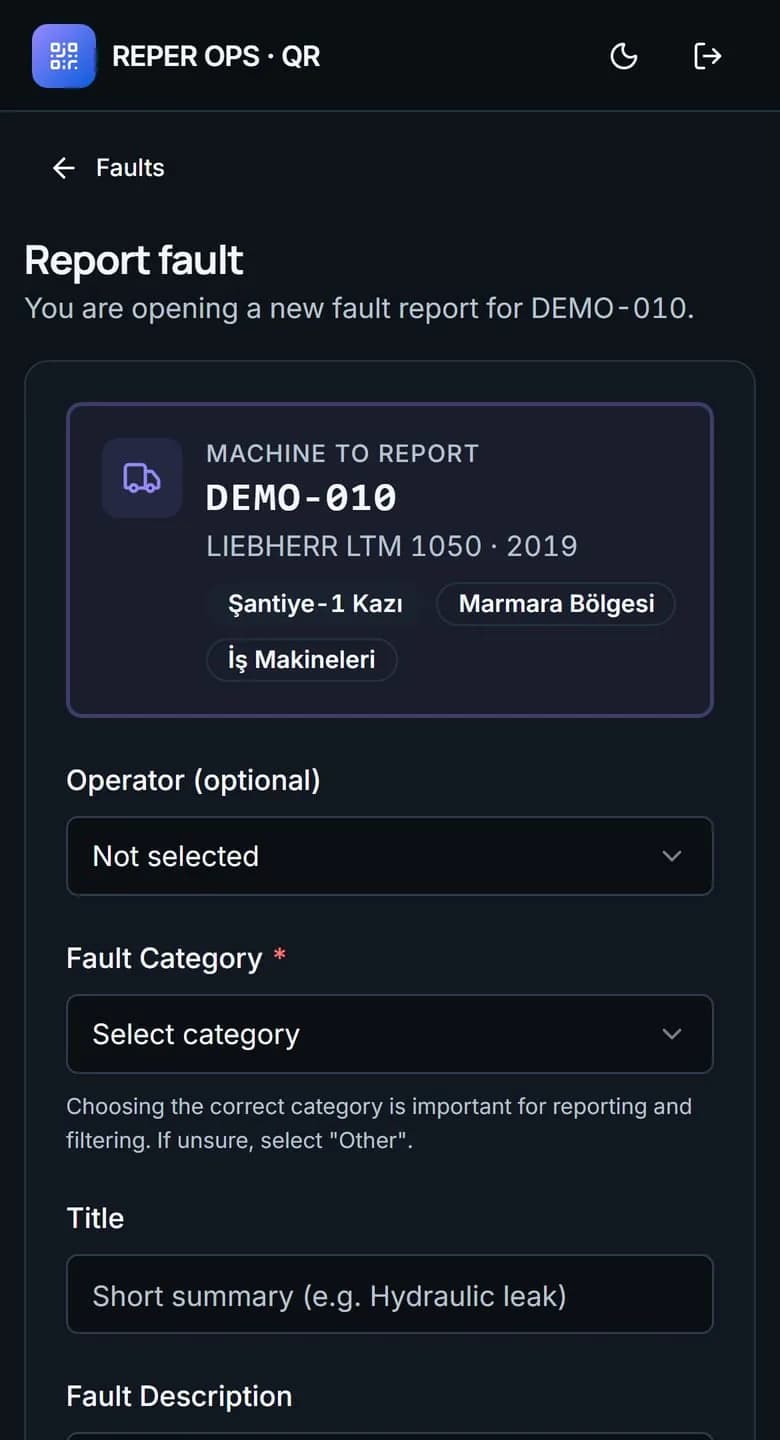
Report a fault
A record is opened with category, priority, photos and operable or inoperable status; if the machine is inoperable, downtime tracking starts automatically.
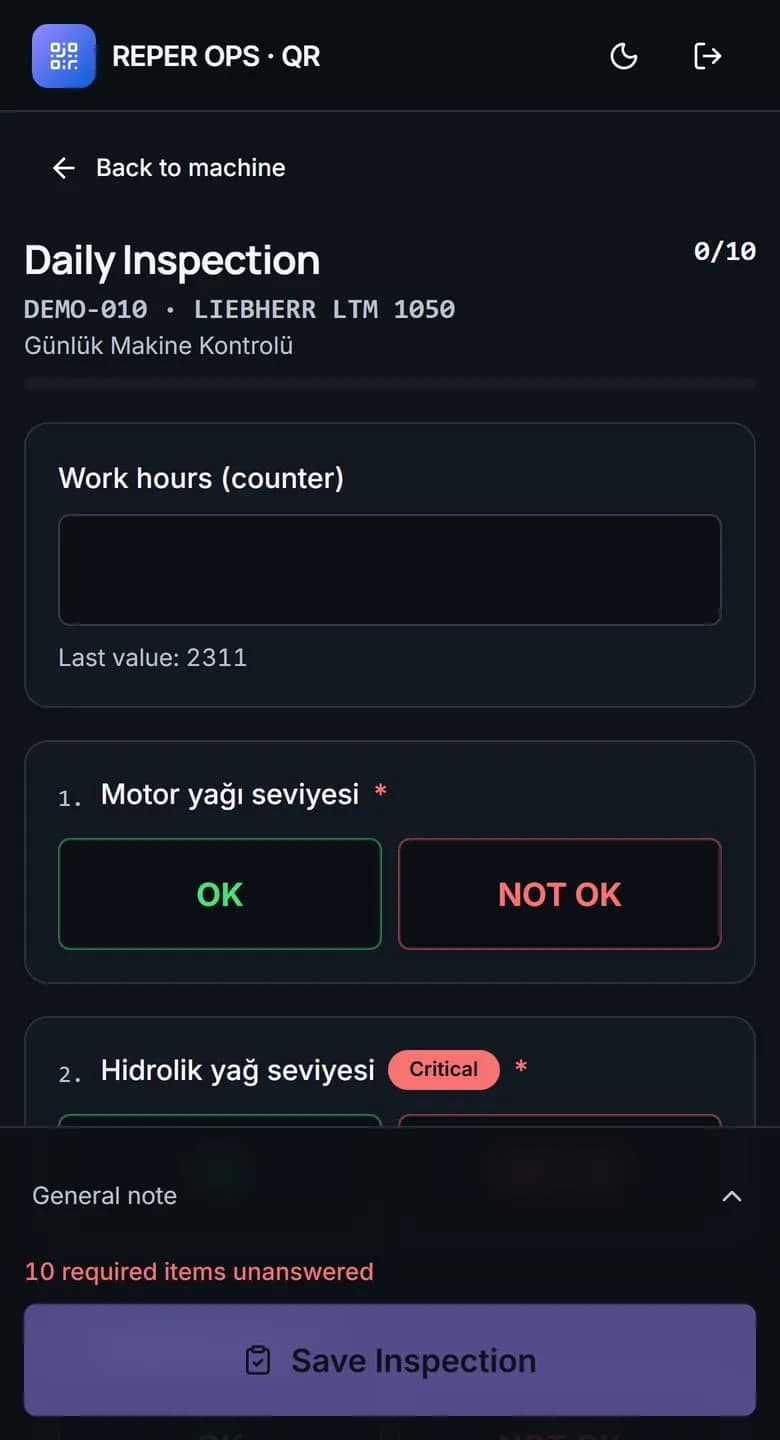
Complete a checklist
The start-of-shift inspection is completed in the field; a failed critical item automatically opens a fault.
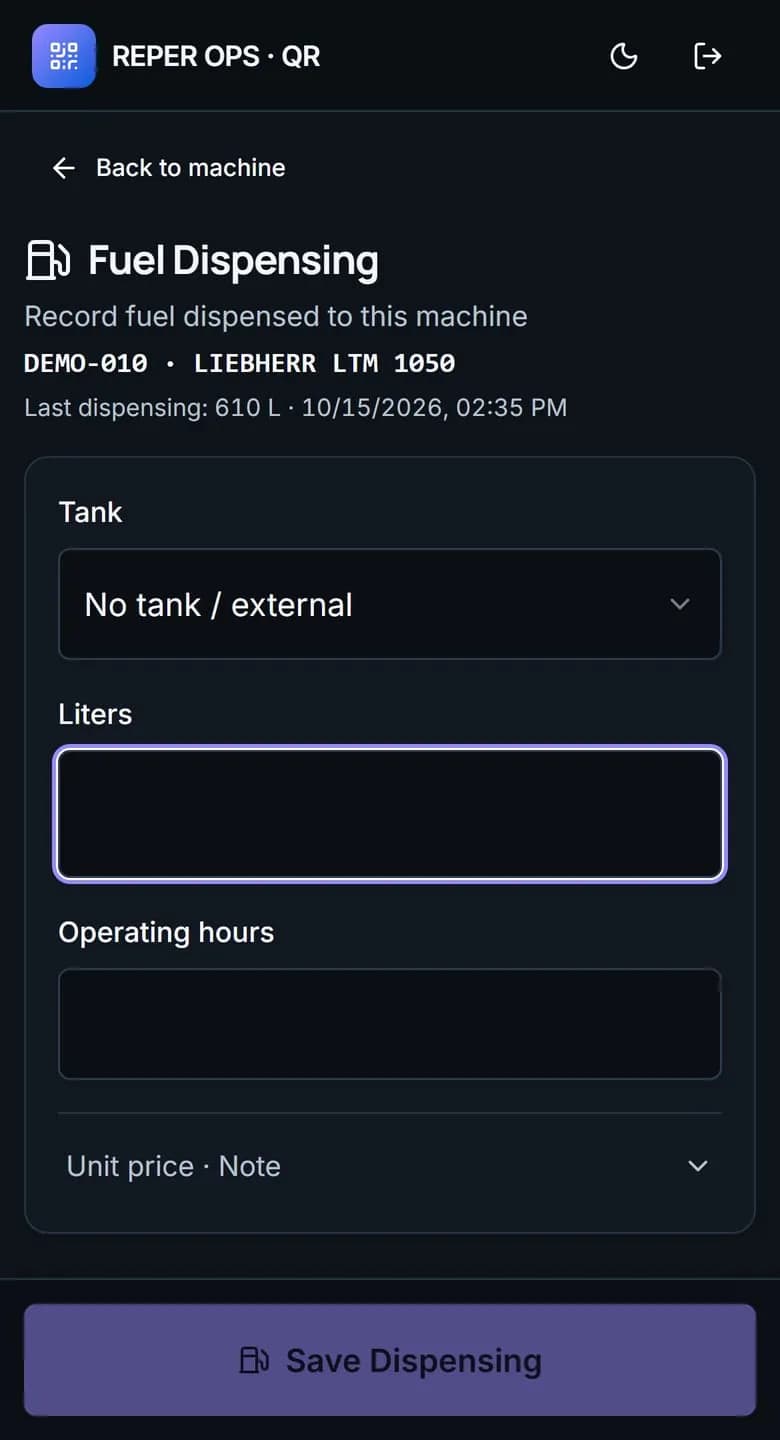
Log a fuel fill
Liters, meter reading and tank are selected; the tank level updates instantly and the expense flows into machine cost.
View documents and tires
Registration, insurance and inspection documents plus tire mounting status and tread depth are visible on the spot.
See fault history
What happened on the machine before and which actions were taken can be read right in the field.
Offline queue
Records entered without connectivity wait on the device, are sent automatically when the network returns, and the same record is never created twice.
Print the label
Labels are generated in bulk from the QR Print module and attached to the machines.
Scan with a phone
The camera is enough; nothing needs to be downloaded from an app store.
Verify identity
The user signs in with a company account and only the actions allowed by their role are opened.
Complete the action
The record is written to the correct machine, under the right name and with a timestamp.
FAQ
Do operators need to install an app on their phones?
No. The QR code opens in the browser. Users who prefer to can add the page to their home screen and use it like an app.
What happens when there is no internet on the job site?
Fault, meter, inspection and fuel records are queued on the device. When connectivity returns they are sent in order, and no duplicate records are created.
Can anyone who scans the QR code perform actions?
No. The QR screen requires a user login and only the actions permitted by the role are opened.


Ready to digitize your equipment fleet?
Take the first step toward a more efficient, more controlled and more profitable operation.