
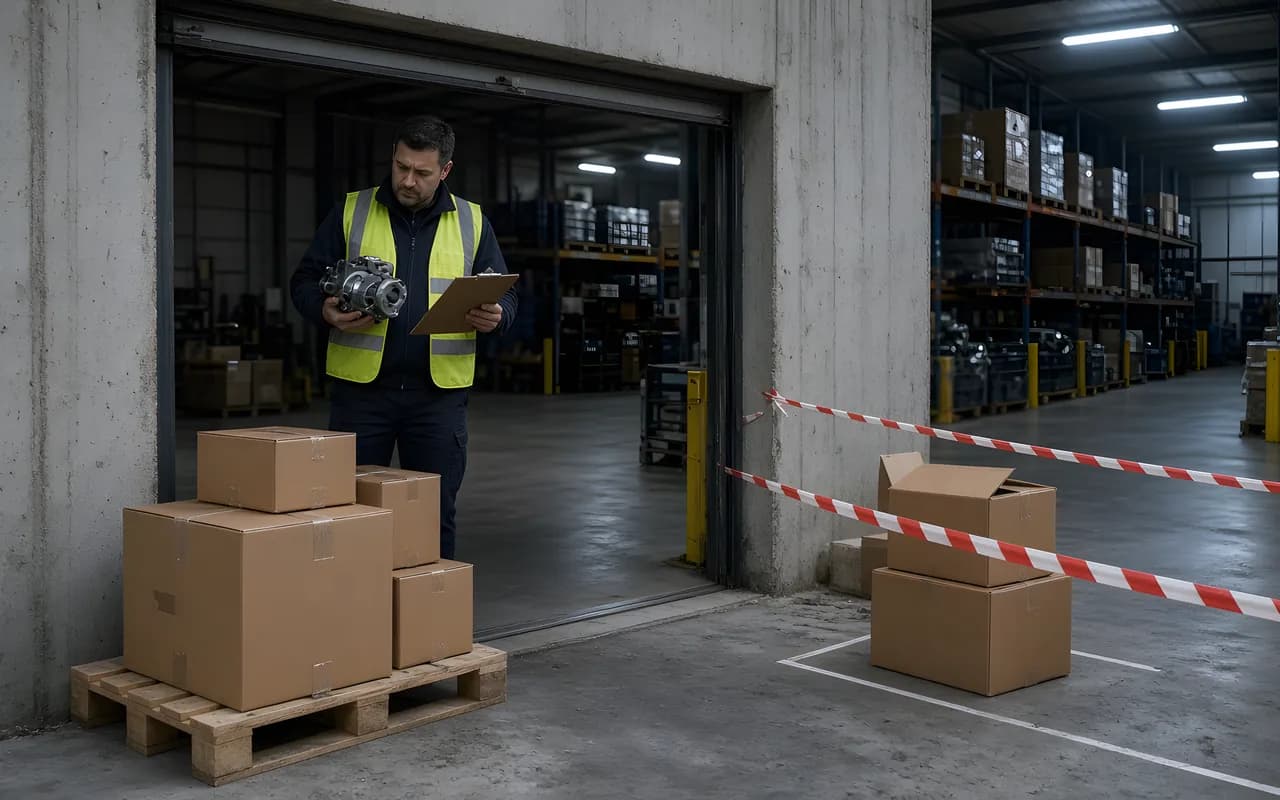
Inspect first, record second
In Reper Axis, the moment a goods receipt is saved it raises the delivered quantity on the order line. If the stock module is on, it also books the part into the store, and if the order came from a material request, it updates the fulfilled quantity on that request. The record has no separate field for a rejected quantity: the quantity you enter on the line counts as accepted. For this reason quarantine is set up on site, not in the system. The goods wait in a quarantine area until the inspection is finished, and the record is entered after the decision.
Inspection order
- Compare the delivery note with the order: do the supplier, items and quantities match?
- Count the goods physically. If the delivery note and the count differ, use the counted quantity.
- Check by eye and by measurement: label, OEM number, dimensions, packaging damage, corrosion.
- Apply the sampling plan (example plan below).
- Decide: accept, partly accept or reject.
- Enter the accepted quantity on the goods receipt: delivery note number and date, line quantity and, where needed, a line note.
Finding, decision, record
The list below shows how typical findings appear in the record (the numbers are examples):
- Short quantity: 20 ordered, 14 arrived. Enter 14. The order stays at "Partly delivered" and the remaining 6 are expected in the next delivery. Write the delivery note quantity and the counted quantity in the line note.
- Excess quantity: 24 arrived. The record cannot exceed the order quantity ("Delivered quantity exceeds the order"). Do not accept the excess, or have a separate order raised.
- Damaged, wrong or out-of-tolerance goods: do not enter them. Label them in the quarantine area and notify the supplier in writing. When the replacement arrives, inspect it again and only then enter it.
- Inspection result unclear (a measurement or an approval is pending): do not enter a record. A part that is not visible in stock cannot be reserved for a work order, which prevents the wrong part from being used.
- Delivery without a delivery note: the delivery note number is an optional field in the record, so set the rule yourself. For example, goods without a delivery note are not accepted.
An example sampling plan
Without a written plan, every delivery becomes an argument. The plan below is an example. Change it to match your own quality procedure:
- In a lot of 1 to 10 units, inspect all of them.
- In a lot of 11 to 50 units, inspect 5.
- In a lot of 51 units or more, inspect 8.
- If a single faulty part is found in the sample, inspect the whole lot.
If a wrong record was entered
A goods receipt can be cancelled, but there are conditions. A reason must be written (between 3 and 500 characters). It cannot be cancelled if any of the quantity has been invoiced, if the part that the receipt put into stock has been consumed on a work order or the linked work order is complete, or if no quantity is left in the store to cancel.
Even when cancellation is possible, a cost trace remains. Example: the store holds 4 hoses at an average cost of €450, and 10 hoses at an order price of €500 are booked by a goods receipt. The average becomes (4 × €450 + 10 × €500) ÷ 14 = €485.71. If 3 hoses later turn out to be faulty, the whole record can be cancelled and the stock is taken back. But only a receipt changes the average cost. An issue does not return it to its old value, so the distorted average only dilutes over time with later receipts. Inspecting before the record is far cheaper than the cancellation route.
The record also affects the person who raised the request. The fulfilled quantity on the linked material request goes up, and the requester believes the part has arrived. A wrong receipt means false confidence on site.
The invoice after the record
The accepted quantity becomes the upper limit for the invoice: an invoice cannot cover more than the quantity received. The matching rules are in three-way match on supplier invoices. The effect of a store receipt on stock and average cost is covered in spare parts inventory management on site.